Travel Chinese Phrasebook

Your Travel Chinese Phrase Assistant

Master essential Chinese phrases for your travels with our comprehensive offline phrasebook. Perfect for tourists, business travelers, and language learners.
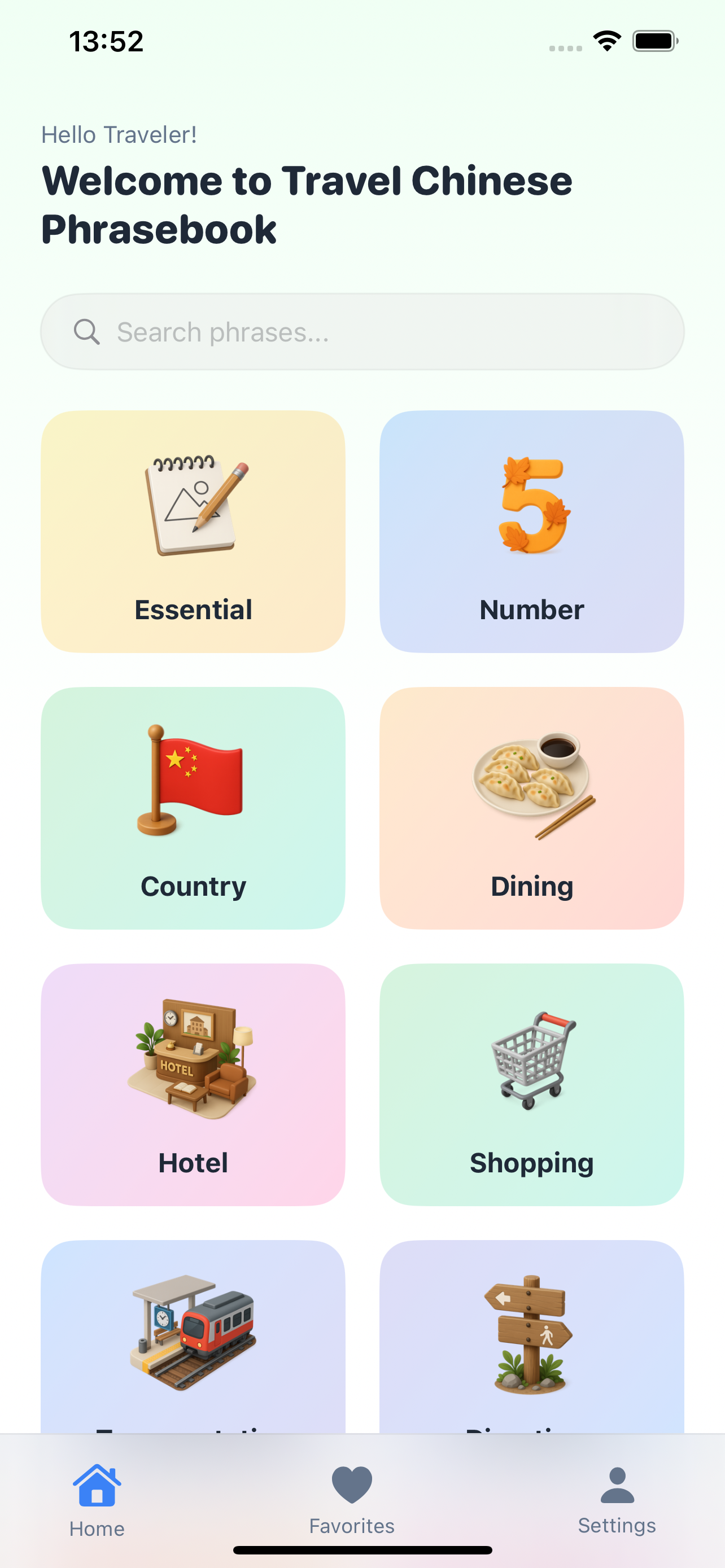
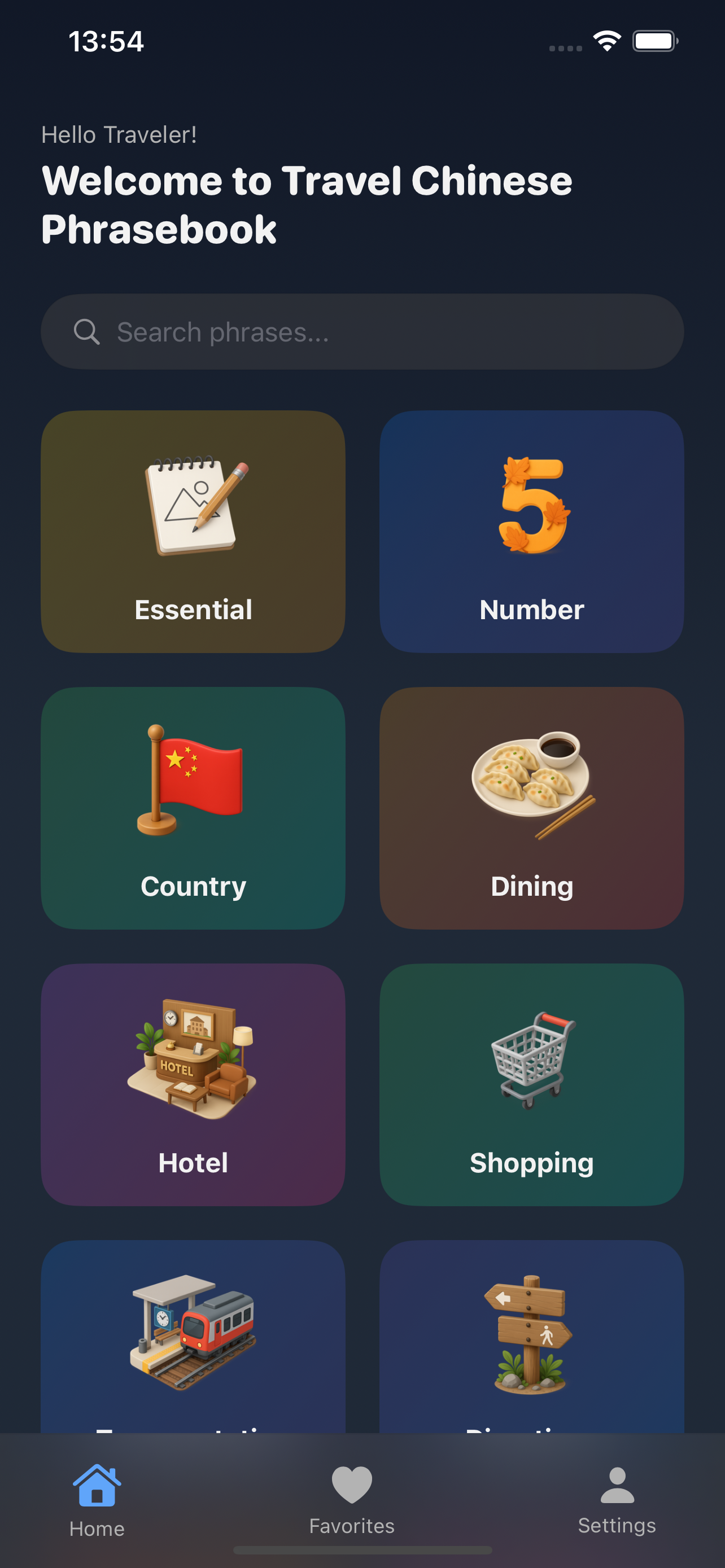
Travel Chinese Phrasebook Home Page

Offline Use

Works completely offline, no internet required

Pronunciation

High-quality audio pronunciation for every phrase

Favorites

Save and organize your most used phrases

500+
Essential Phrases
6
Travel Scenarios
100%
Offline

Frequently Asked Questions

Does the app require internet connection?

No! Travel Chinese Phrasebook works completely offline. All phrases, pronunciations, and features work normally without an internet connection. After downloading the app, all content is saved on your device.

How to play Chinese pronunciation?

Click the speaker icon next to any Chinese phrase to play the pronunciation. The pronunciation feature works completely offline without internet connection. You can also adjust the playback speed to better learn pronunciation.

How to favorite commonly used phrases?

Click the heart icon next to a phrase to add it to favorites. Favorited phrases are saved in the "My Favorites" page for quick access. You can also unfavorite or reorganize your favorites list.

How to find the right scenario?

The app provides 6 core scenarios: Airport, Hotel, Restaurant, Shopping, Transportation, and Emergency. You can quickly switch between different scenarios through the scenario icons on the home page or the bottom navigation bar. Each scenario contains the most commonly used Chinese phrases for that situation.

What if there's no sound for pronunciation?

Please check: 1) Device volume is turned on 2) App has audio access permission 3) Restart the app 4) Check audio permissions in device settings. If the problem persists, restart your device.

What if the app crashes?

Please try: 1) Close and reopen the app 2) Restart your device 3) Check if device storage space is sufficient 4) Update to the latest version. If the problem persists, uninstall and reinstall the app.

How to switch the app language?

The app supports multiple languages for the interface. By default, the app is in English. To change the language, go to Settings and select from the available options: English, French, Hindi, Indonesian, Japanese, and Korean. The language change will apply to the app interface, while Chinese phrases and pronunciations remain the same.

How to use the search function?

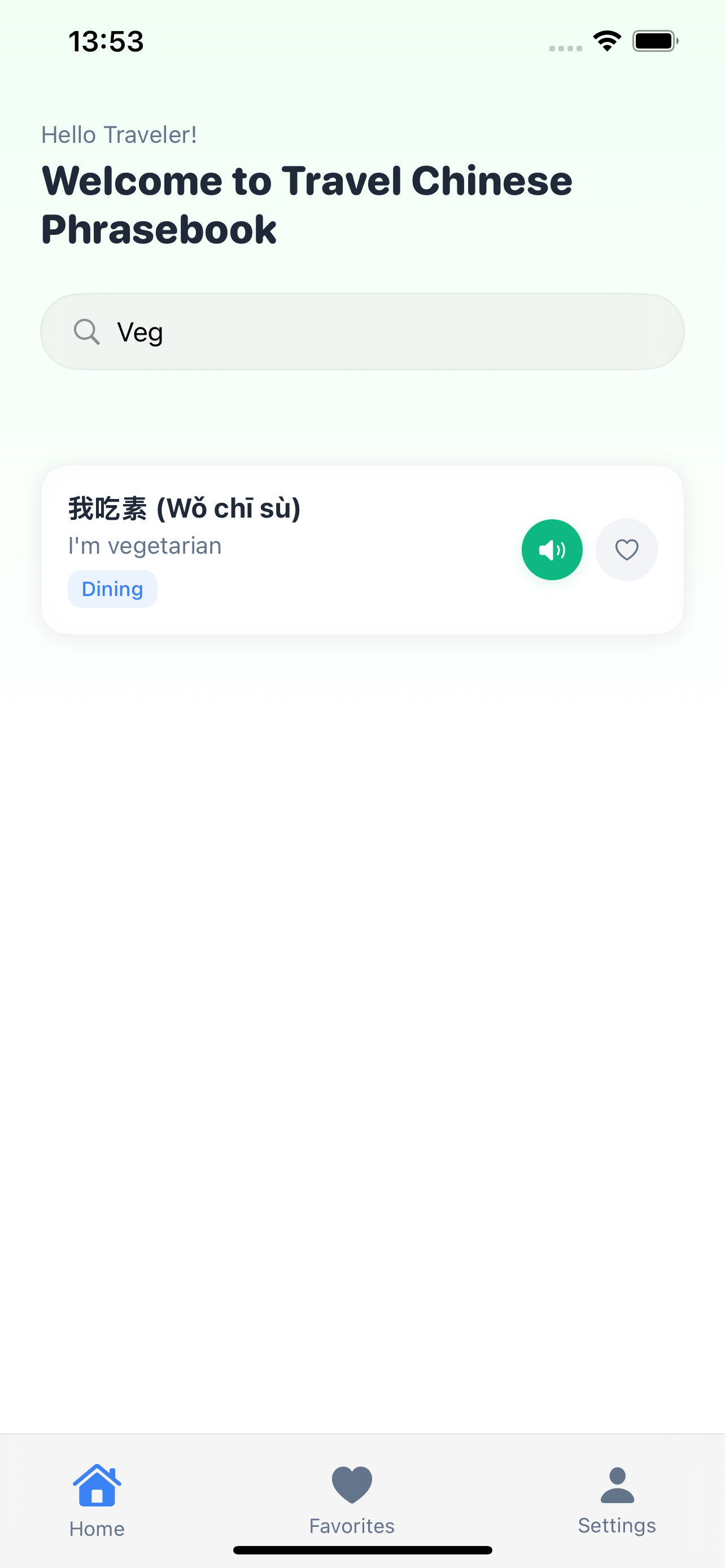
Use the search bar at the top of any scenario page to quickly find specific phrases. You can search in English, Chinese, or pinyin. The search results will show matching phrases instantly as you type, making it easy to find exactly what you need.

How to enable dark mode?

Go to Settings in the app and toggle the "Dark Mode" option. Dark mode provides a comfortable viewing experience in low-light conditions and helps reduce eye strain. You can switch between light and dark modes at any time.

How to show/hide pinyin?

Tap the pinyin toggle button in the phrase view to show or hide pinyin (Chinese pronunciation guide). This feature helps you learn the correct pronunciation of Chinese characters. Pinyin is displayed below each Chinese phrase when enabled.

User Guide

Quick Start (5-minute guide)

1

Launch the App

Open the app and you'll see the main interface with all available scenarios

App Launch Screen
2

Choose Scenario

Select the scenario you currently need (airport, hotel, restaurant, etc.) from the main page

Home Page with Scenarios
3

Browse and Search Phrases

Browse relevant Chinese phrases with English translations, or use the search function to find specific phrases

Search Functionality
4

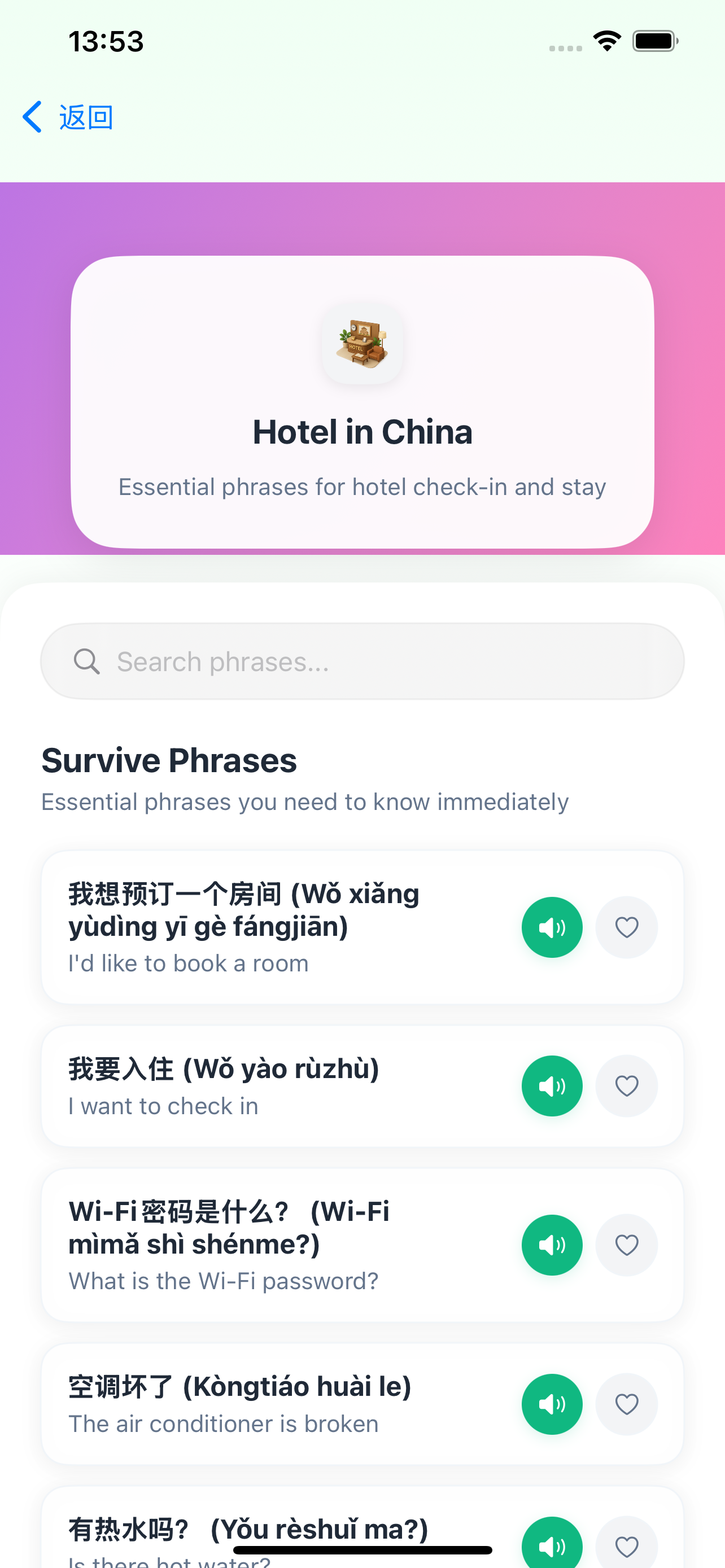
View Scenario Phrases

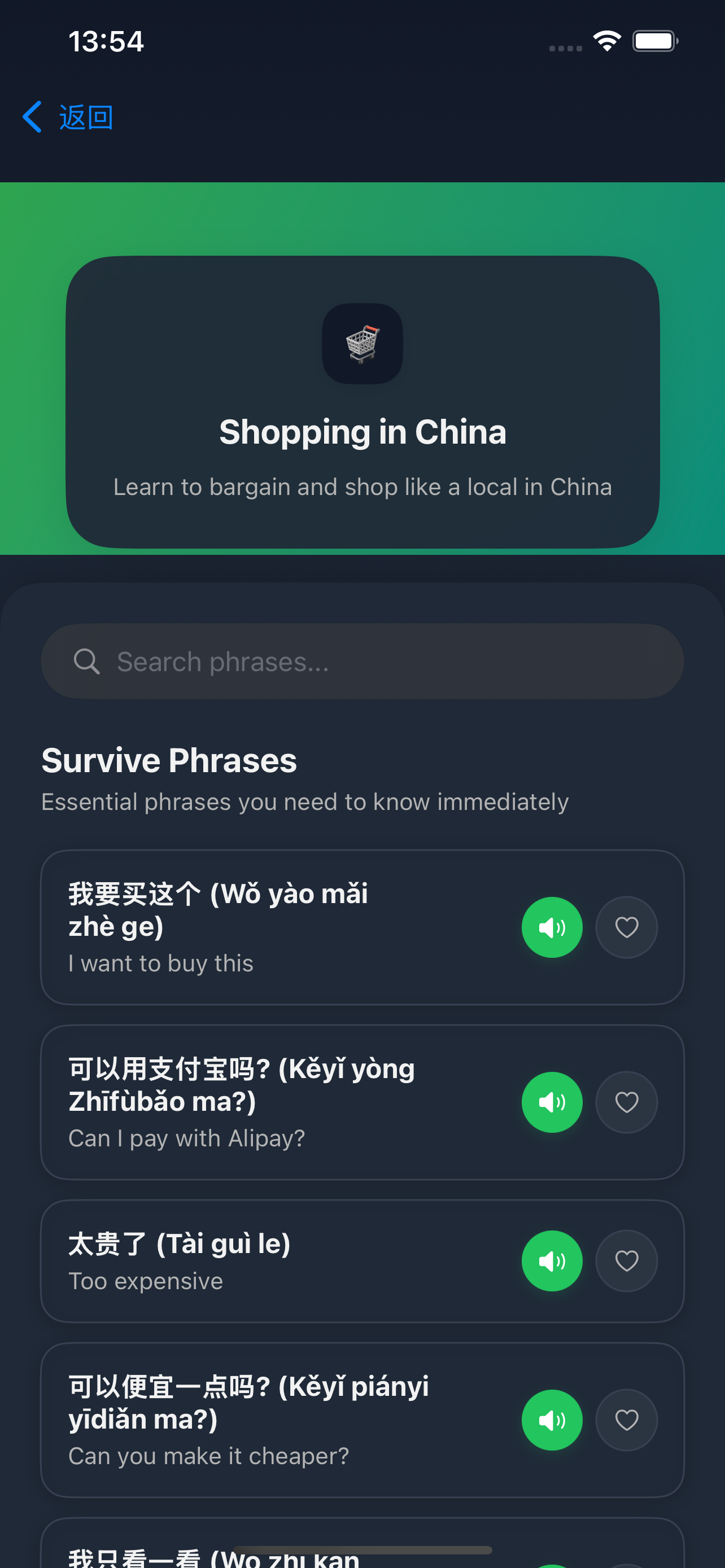
Browse through the specific phrases for your chosen scenario with Chinese text, pinyin, and English translations

Scenario Phrases
5

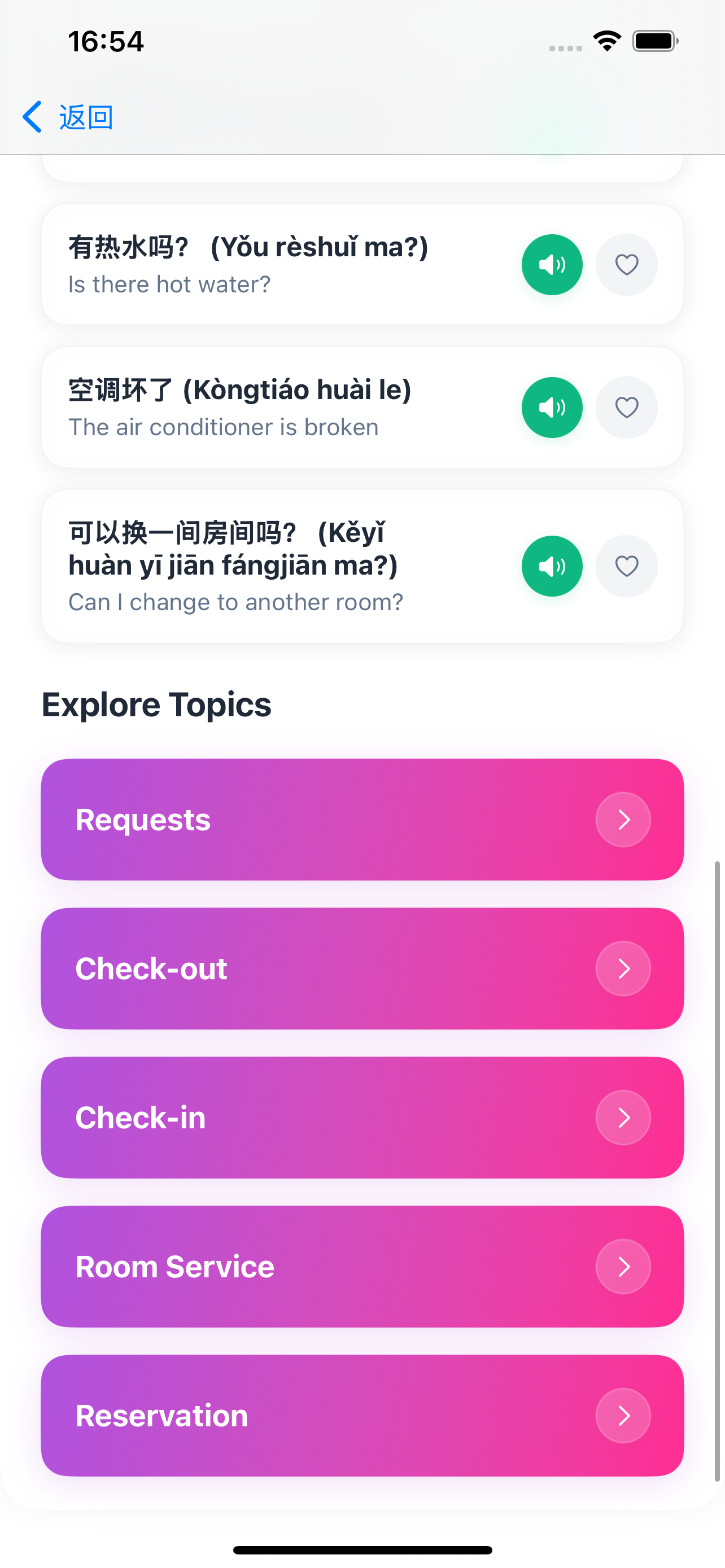
Explore More Topics

Discover additional topic categories and explore more specific phrase collections for different situations

Explore Topics
6

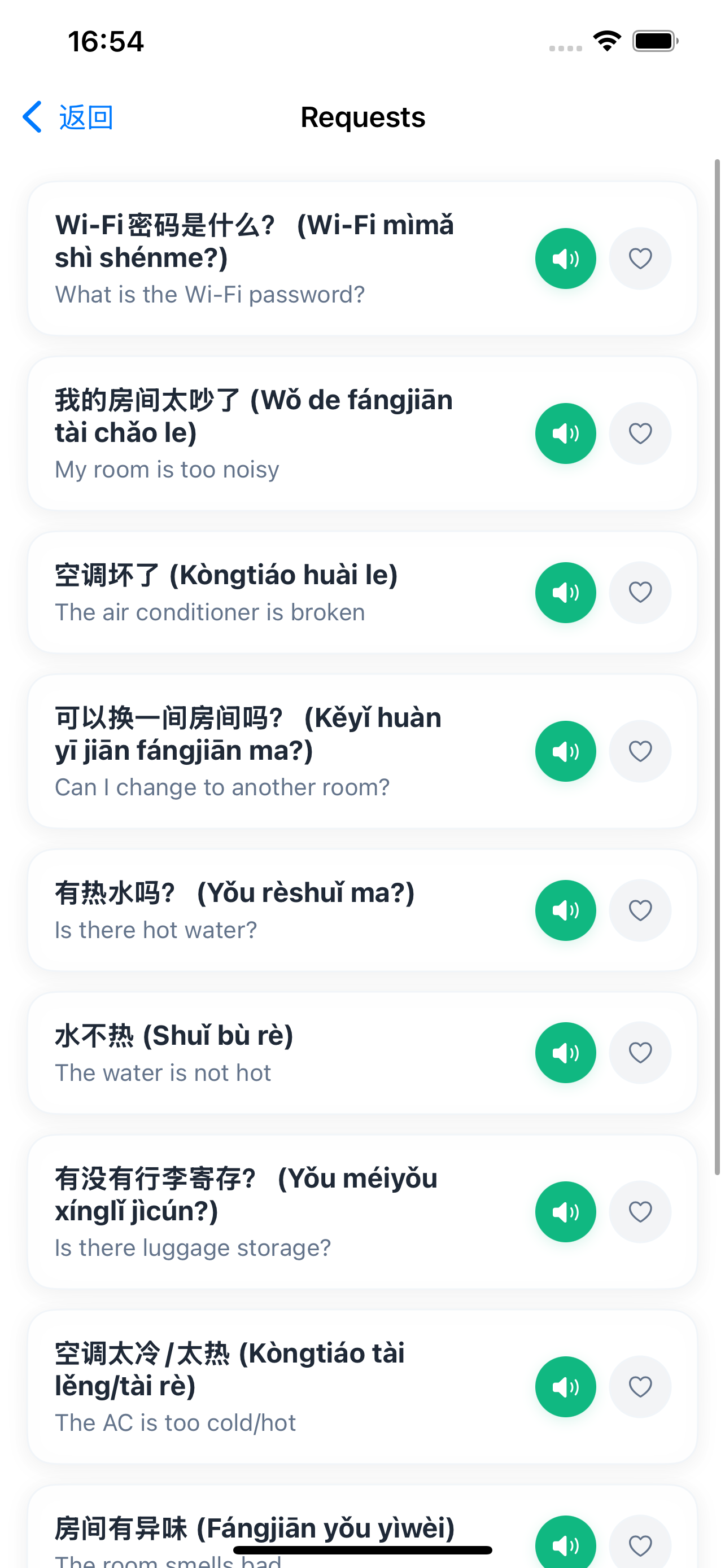
Topic Phrasebook

Access detailed phrase collections organized by specific topics within each scenario

Topic Phrasebook
7

Dark Mode

Switch to dark mode for comfortable viewing in low-light conditions and reduce eye strain

Dark Mode
8

Show/Hide Pinyin

Toggle pinyin display to help learn the correct pronunciation of Chinese characters

Show Pinyin
9

Settings & Preferences

Customize your app experience through settings including language, theme, and other preferences

Settings Page

Scenario Usage Guide

Airport Scenario

Includes boarding, luggage check-in, security check, asking for directions, and other common phrases

Hotel Scenario

Includes booking, check-in, check-out, room service, and other common phrases

Restaurant Scenario

Includes ordering, asking about dishes, paying, special requests, and other common phrases

Shopping Scenario

Includes asking about prices, trying on clothes, bargaining, payment, and other common phrases

Transportation Scenario

Includes taking taxis, asking for directions, buying tickets, transfers, and other common phrases

Emergency Scenario

Includes asking for help, medical assistance, calling police, emergency contacts, and other common phrases

Version Update Log

v1.0.0 (MVP)

July 2025 Current Version

Main Features

  • 6 core scenarios support (Airport, Hotel, Restaurant, Shopping, Transportation, Emergency)
  • Offline pronunciation feature, no internet connection required
  • Favorites feature to save commonly used phrases
  • Smart search functionality with instant results
  • Pinyin display toggle for better learning
  • Dark mode support for better user experience
  • Responsive design supporting various devices
  • Clean and intuitive user interface
  • Completely offline usage

Technical Features

  • Native iOS development
  • Local audio storage
  • Data localization
  • No network dependency

App Screenshots

Explore the key features of Travel Chinese Phrasebook

Download App

Search "Travel Chinese Phrasebook" on the App Store to download

Contact Us

Email Support

lij110397@163.com

Response time: Within 24 hours

Privacy Policy and Terms of Service

Data Collection

We only collect necessary usage statistics to improve app functionality and user experience. We do not collect any personally identifiable information.

Offline Storage

All app data is stored locally on your device, including phrases, pronunciation files, and favorites list. We do not upload your data to any servers.

Third-party Services

We do not share your data with any third parties. The app operates completely independently without relying on any external services.

User Rights

You have the right to delete the app and all its data at any time. Since data is only stored locally, deleting the app completely removes all data.

Terms of Service

  • The app is for personal learning and travel use only
  • We are not responsible for any losses caused by using the app
  • We reserve the right to update the app and policies at any time

Update Notifications

This privacy policy may be updated. Important changes will be notified to users through in-app notifications or email.